Scan a QR, skip the app
Listeners choose a language and read on their own phones.
LIVE TRANSLATION, EVERYWHERE
話したその瞬間、聞く人の言語で字幕が出ます。どこで使うか選んでみてください。
Thank you for joining us today.
오늘 함께해 주셔서 감사합니다.오늘은 소망에 대해 말씀드립니다.
Today, we speak about hope.이제 다음 그림을 살펴보겠습니다.
现在我们来看下一张图。では、次の議題に移ります。
그럼 다음 안건으로 넘어가겠습니다.Let me walk you through how this works.
어떻게 작동하는지 설명드리겠습니다.서로를 향한 작은 배려가 시작입니다.
It begins with a small act of care for one another.질문은 수업이 끝난 뒤에 받겠습니다.
课程结束后将接受提问。資料は会議の後に共有します。
자료는 회의 후에 공유하겠습니다. LIVE
LIVEThank you for joining us today.
오늘 함께해 주셔서 감사합니다.Listeners choose a language and read on their own phones.
Send one language to YouTube CC or add a caption overlay in OBS.
Add the words you use so they can guide the translation.
BEFORE · AFTER
A different language can still be a shared conversation
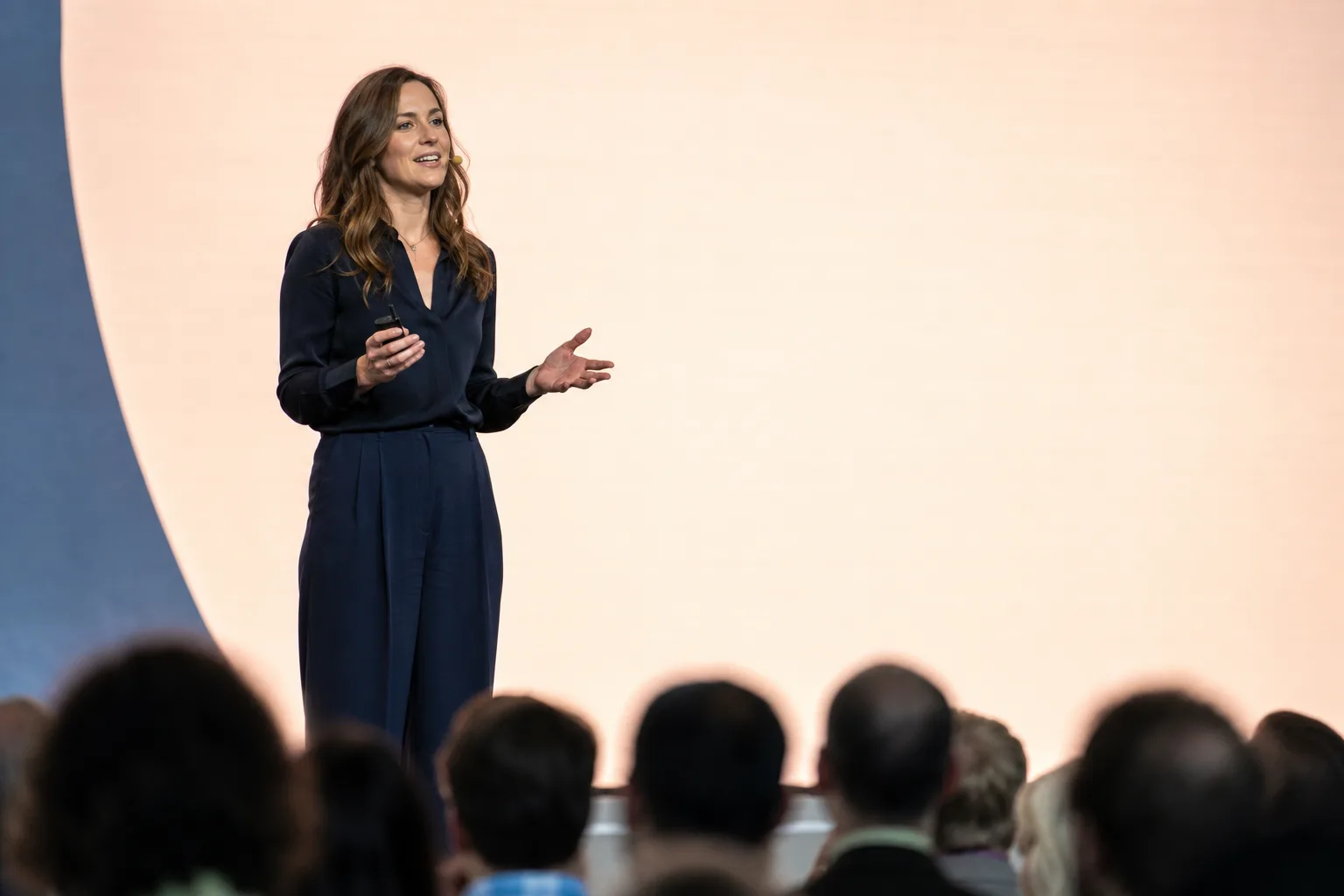
좋은 아이디어는 함께 나눌 때 시작됩니다.
BEFORE · DURING · AFTER
Keep these terms for next time
01Before
Add names and the words you use before you start. Your saved terms are there for next time.
오늘은 소망에 대해 말씀드립니다.
Today, we speak about hope.02During
Connect a microphone or computer tab audio. As you speak, captions appear on your stream and listeners’ phones.
A transcript for each language
03After
Download a transcript for each language. Catch up on what you missed and keep the lines you need.
FOR LISTENERS
Put the QR on a handout or a screen. Each listener’s phone becomes their caption screen.
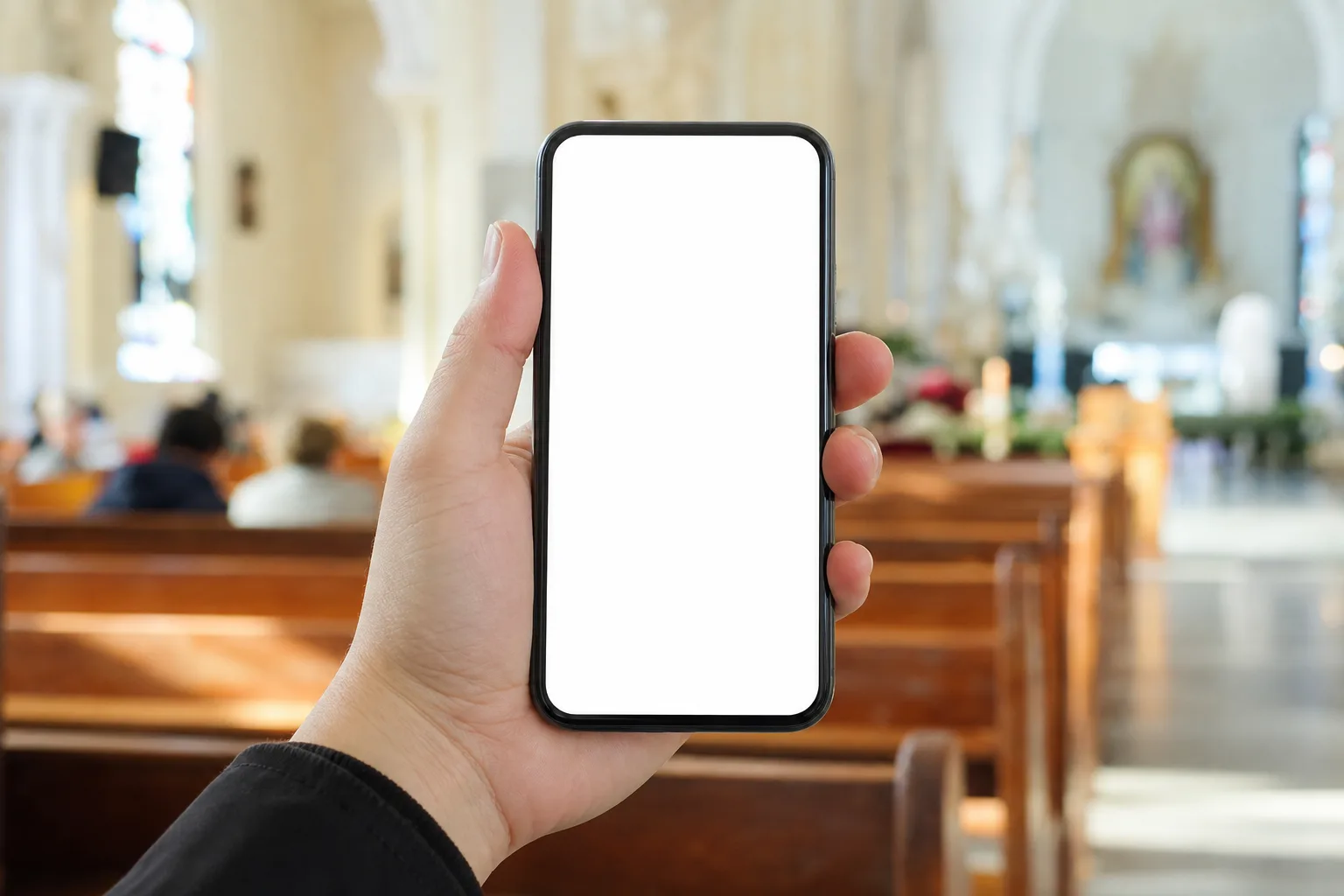
Welcome, everyone. Let us open today's reading together.
This morning's passage is about hope that does not disappoint.
After the service, please join us for lunch on the first floor.
WATCH
Play a foreign live stream on your computer and share its tab audio. Keep barolive beside the video to read in your language.
 LIVE
LIVEA live conversation
Thank you for joining us today.
오늘 함께해 주셔서 감사합니다.Let me walk you through how this works.
어떻게 작동하는지 설명드리겠습니다.You can follow along in your own language.
각자의 언어로 내용을 따라오시면 됩니다.WHEREVER YOU ARE
FAQ
YouTube Studio → ストリーム設定 → 字幕で「URLに字幕を投稿」を有効にすると字幕取り込みURLが表示されます。それをコンソールに貼ると配信中に自動送信されます。YouTubeは字幕トラックを1つしか受け付けないため、他の言語は視聴者リンクやオーバーレイで表示します。
会議をChromeのタブで開けば、そのタブの音声をキャプチャして翻訳します(デスクトップのChrome・Edge)。AI通訳ボットを会議に招待する方式は近日提供予定です。
名前・ブランド・用語を事前に登録するとそのまま翻訳されます。進行中に直すと次回にも引き継がれます。
発話の直後、数秒以内に字幕が出ます。YouTube CCの場合は、YouTube側の配信遅延を30〜60秒に設定することをおすすめします。
パソコンの Chrome または Edge があれば使えます。インストールは不要です。マイクだけを使う用途はスマートフォンからも始められます。
数字・固有名詞は元の音声と照合して再確認します。登録した用語はそのまま出力され、進行中でもすぐ修正できます。
字幕のみ提供しています。録画と音声読み上げは未対応で、終了後に言語別の記録をダウンロードできます。