The same QR every week
Put it in the bulletin or on the seats once. People come in through the same QR next week.
01 / 06礼拝
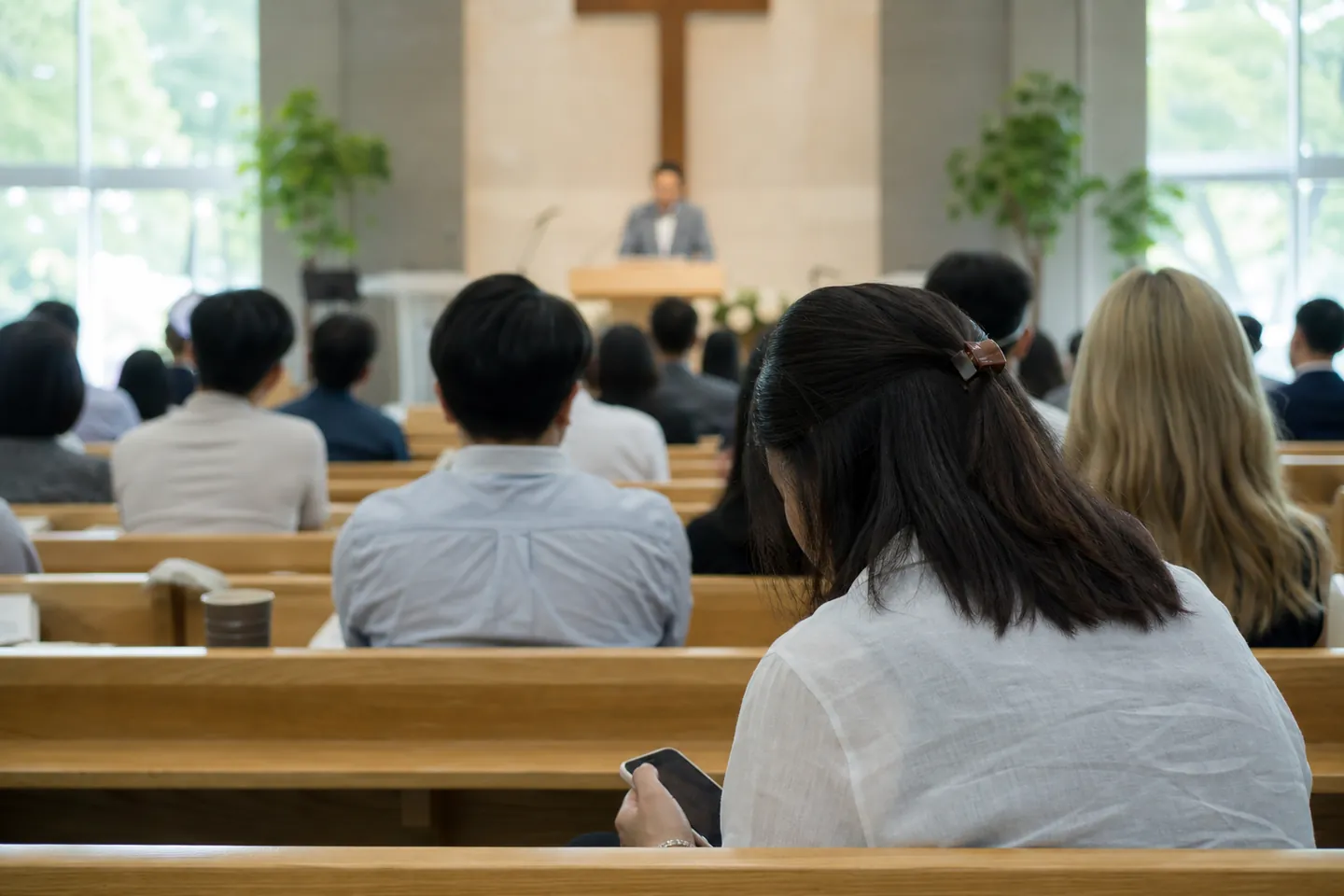
People read translated sermon captions on their phones. A volunteer runs it from the sound desk and restarts the saved service to reuse the same QR.
This morning's passage is about hope that does not disappoint.
EnglishThe sound desk volunteer opens the saved service and adds Bible names and song titles to the glossary. The bulletin carries the same QR as last week.
Connect the mixer output or pulpit microphone and choose the languages. Show the QR on the front screen before the service too.
Check the captions at the sound desk and fix misread names in the glossary. Changes apply from the next sentence.
Stop the session and download the transcript in the languages you need. Restart the same service next week to reuse its QR and glossary.
Put it in the bulletin or on the seats once. People come in through the same QR next week.
Start with the worship glossary and add your own terms to reuse each week.
Scanning the QR opens it. People pick a language and can change the text size.
This morning's passage is about hope that does not disappoint.
오늘 아침 말씀은 실망시키지 않는 소망에 관한 것입니다.
Bulletin QR → congregation phones
An illustration of the workflow available today. The live interface has a different layout.
礼拝/仕組み
Pick the languages to translate into. The worship glossary is added for you.
Feed the mixer output or the pulpit microphone into the computer and press Start.
Put the QR on the front screen before the service, or print it in the bulletin.
Start captions as the sermon begins, then pause or stop as the service requires.
Read the outgoing captions as they appear and check Bible passages and names.
Copy the listener link for the bulletin or show the QR before the service.
If using a front display, open the captions-only screen and adjust text size and line count while live.
Check the remaining prepaid time against what you need for the next service.
Open the bulletin QR or link to see captions without an app or sign-in.
Choose a language the church enabled and show the original below the translation.
Enlarge the text or scroll back to read an earlier line from the sermon.
Between services, a notice says the page will open again next time.
Add your church name, Bible names, roles and song titles to the worship starter glossary to help people compare names in the bulletin and captions. These are example English spellings; translations can still be wrong.
FAQ
No. Start the one you already made. The QR and your terms carry over.
You can start with a computer microphone. If you have a sound system, connect the mixer output.
They see a note that it opens again next time.
You can add or fix glossary entries while live. Changes apply from the next sentence, so check earlier lines when reviewing the transcript.
Enable the languages before starting and people choose among them. There are 30 supported languages, with no limit on how many you enable at once.
Audio is not kept; only the caption transcript remains. You can download it per language after stopping.
使う場面