Explain with a phone in hand
Start with the phone microphone. Keep an eye on the screen so it stays awake as you move.
06 / 06現場
Walk and explain with a phone. Its microphone takes the sound; listeners scan the QR on your screen and read captions in their own language.
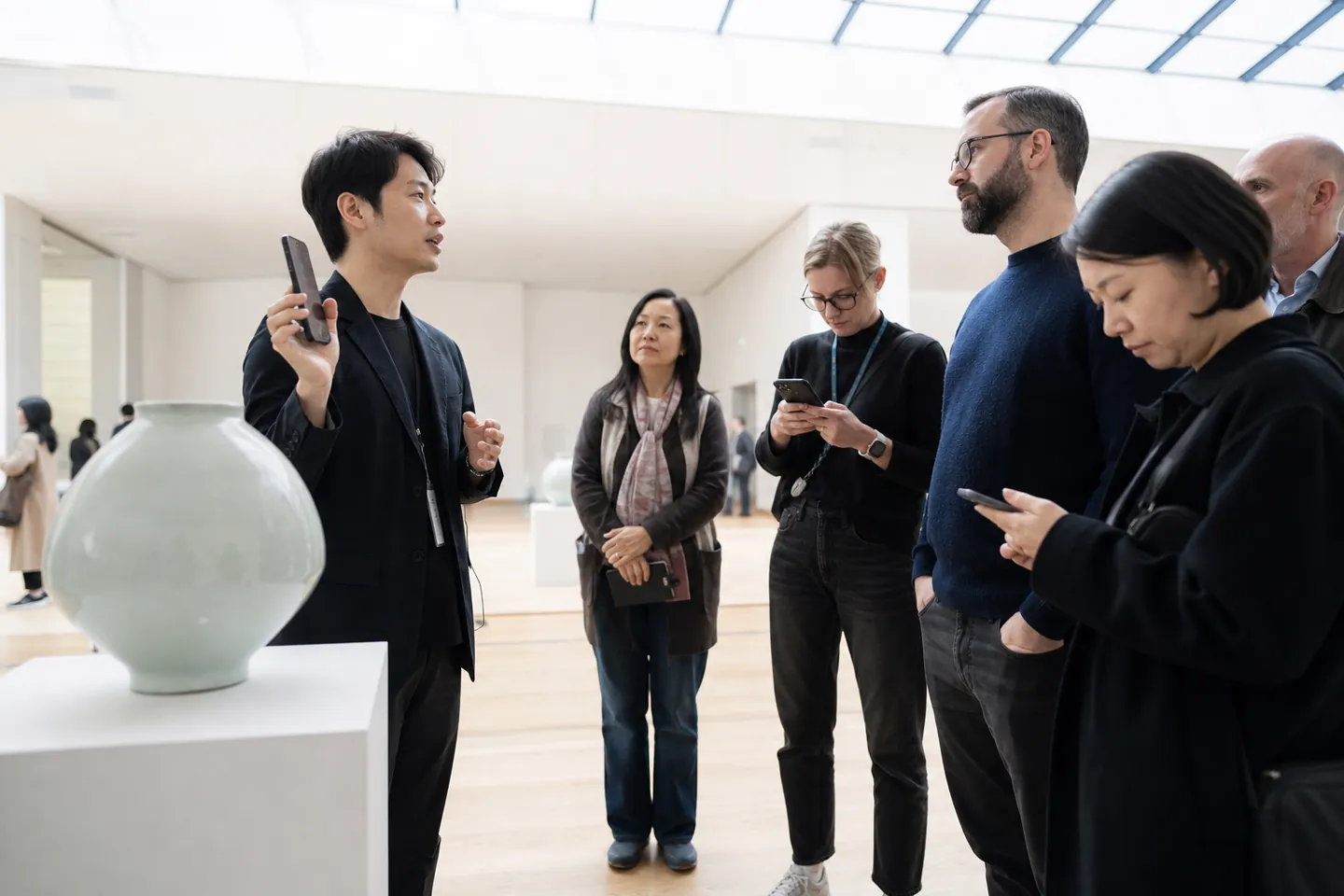
This vase was made in the twelfth century.
EnglishThese are example English terms for tours and onsite training. Use names from signs or training materials to help listeners identify the actual object or place.
The guide or trainer adds artwork, machine and place names to the glossary. Check internet connectivity along the route too.
Allow microphone access on the phone and choose the languages needed. Start the explanation once listeners have opened the QR.
Speak with the phone near your mouth. Noise lowers recognition, so a clip-on microphone is another option.
Stop captions and download transcripts in the languages you need. Reopen the same tour to reuse the artwork and machine names you added.
Start with the phone microphone. Keep an eye on the screen so it stays awake as you move.
Show the QR on your screen and listeners are in.
Add the names of works or equipment before you start.
This vase was made in the twelfth century.
이 꽃병은 12세기에 만들어졌습니다.
Phone QR → listeners’ phones
An illustration of the workflow available today. The live interface has a different layout.
現場/仕組み
Pick the languages and add names and terms.
Allow microphone access in the phone browser and press Start.
Show the QR on the screen or send listeners the link.
Select the phone microphone and enable the languages listeners need before starting.
Show the QR on the phone or copy the link for listeners.
Read outgoing captions and check artwork or machine names.
Start for explanations, pause for breaks while moving and stop at the end.
Add a new place name to the glossary and it applies from the next sentence.
Scan the QR on the guide’s phone to open captions without an app or sign-in.
Choose a reading language from those enabled by the guide.
Change text size and show the original below the translation to compare artwork names.
After moving on, scroll back to read the explanation from the previous stop.
FAQ
Loud surroundings lower recognition. Keep the microphone close to your mouth or use a clip-on microphone.
The screen is kept awake during use, but some devices may not allow it. Turn off the phone’s auto-lock and keep the browser and internet connected.
Yes. Both the speaker and the listeners need a connection.
A microphone-only tour can start from a phone. Allow microphone access and show listeners the QR on the screen.
Restart the saved tour to reuse its link, QR and glossary. Choose the next group’s languages before starting.
Add its name to the glossary while live and it applies from the next sentence. Machine translation can be wrong, so check against the actual label onsite.
使う場面