barolive
All uses

05 / 06Watching

Watch a foreign stream in your language

Play a live stream or talk in a Chrome tab and its audio is shown as captions in your language.

Watching
baroliveSample captions

출고는 결제 후 3일 안에 됩니다.

한국어
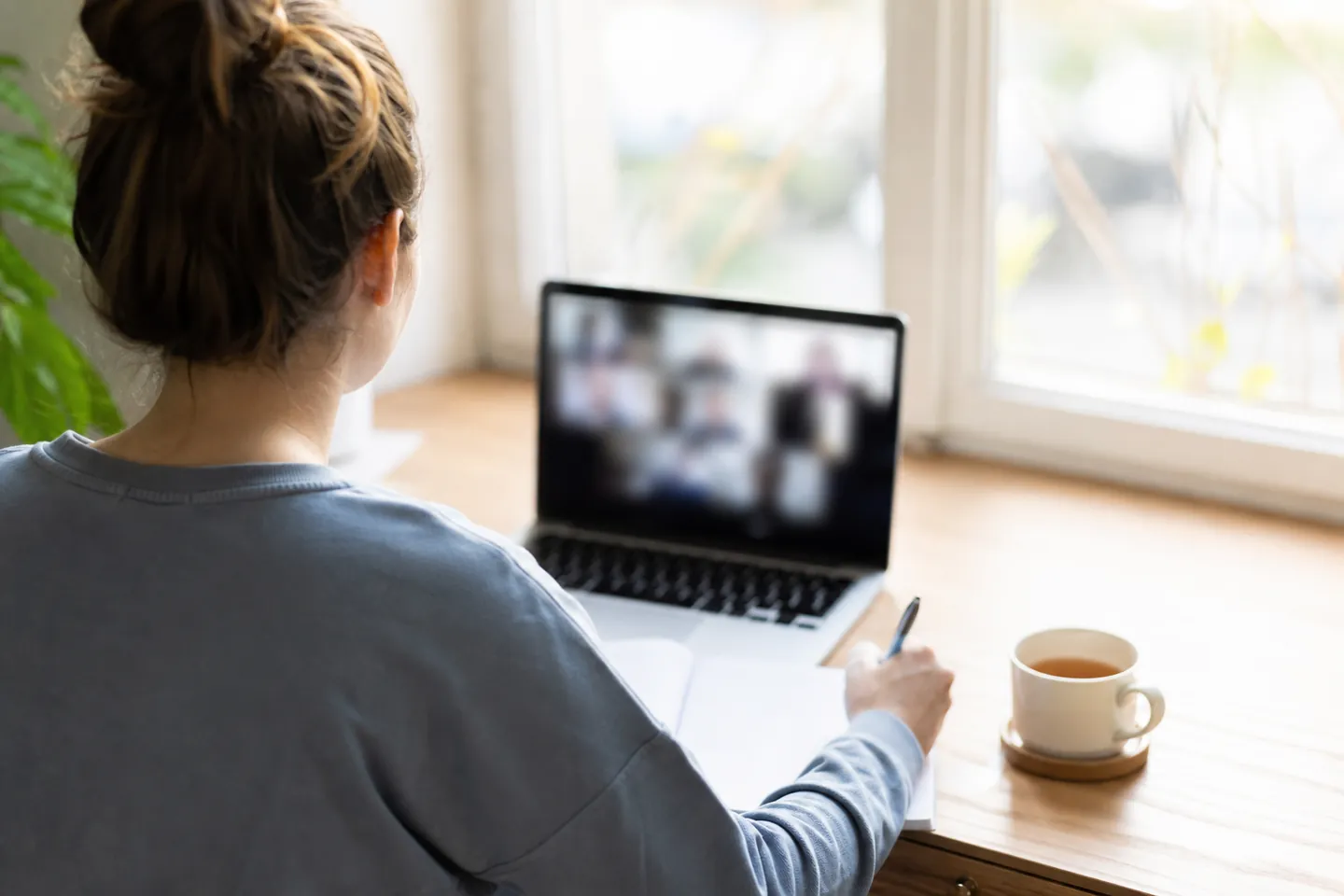
The photo is a generated image illustrating the setting.Computer audio

On the screen you read

  • Choose a reading language from those you selected before starting.

  • Show the original below the translation to compare unfamiliar industry wording.

  • Adjust text size to read comfortably beside the video.

  • Scroll back to read earlier lines again.

You connect and stop it yourself

  • Select the stream’s language and translation languages before starting.

  • Select the audio of the Chrome tab playing the stream on your computer.

  • Start, pause and stop captions. Control the original stream separately on its own site.

  • Fix a brand name or unit and the change applies from the next sentence.

  • Check remaining prepaid time and download transcripts per language after stopping.

baroliveScreen preview
The stream you are watching · separate tab
Example captions

출고는 결제 후 3일 안에 됩니다.

Original

Shipping takes place within three days of payment.

Read on your own screen · no share QR or link

An illustration of the workflow available today. The live interface has a different layout.

Watching/How it works

How to set it up

  1. 01

    Choose watching and the languages

    Pick the stream's language and the language you read.

  2. 02

    Share the stream tab's audio

    Press Start, choose the Chrome tab the stream is in and turn on tab audio sharing.

  3. 03

    Read the captions

    Keep the caption window beside or below the stream.

Just the captions

Keep barolive next to the stream to read captions. It does not place captions over another site's video.

Read it again afterwards

Download a transcript in each language afterwards to revisit what you missed.

Only for you

No share link or QR is made for this use.

Names and units used in that stream

These are example Korean terms for watching a foreign technology stream. Add brands and units to help recognize recurring wording, while keeping in mind that translations can be wrong.

OpenAI
오픈AI
NVIDIA
엔비디아
inference
추론
latency
지연 시간
milliseconds
밀리초
frames per second
초당 프레임 수

Before a foreign live stream, and after watching

  1. Add unfamiliar names before watching

    Add brands and industry terms from the stream description to the glossary. Choose the stream’s language and the language you want to read.

  2. Connect the tab that plays the audio

    Share audio from the Chrome tab playing the stream on your computer. Arrange the video and captions side by side or one above the other.

  3. Scroll back to a line you missed

    Compare unfamiliar wording with the original below the translation. Fix a brand name in the glossary for it to apply from the next sentence.

  4. Finish watching and download the transcript

    Stop captions and download the transcript in the languages you need to reread. There is no share link or QR to redistribute someone else’s stream.

Your own screen and downloaded transcript

Captions beside or below the video
Arrange the barolive window beside the video to read; captions are not placed over another site’s video.
A transcript to read later
Download caption transcripts per language after stopping; the stream’s audio is not saved.

What it costs

A 1-hour stream

₩30,000

Based on the ₩300,000 10-hour pack at ₩30,000/h, excluding VAT. Time is charged by the minute and is valid for 6 months. The first 10-minute rehearsal is free.

See pricing

FAQ

Questions

Does it work on a phone?

Tab audio can only be taken in Chrome or Edge on a computer.

Does it work on sites other than YouTube?

Any Chrome tab that plays sound works.

Can I share the captions with others?

Sharing is turned off for this use so that someone else's stream is not rebroadcast.

Does pausing captions pause the original video?

Pausing in barolive pauses captions. Control the original video separately on the streaming site.

What if a recurring brand name is wrong?

You can fix the glossary spelling while watching. It applies from the next sentence; earlier lines are not translated again.

Can I listen to the stream audio later?

barolive does not save audio. What you can download after stopping is the caption transcript per language.

Where you use it

It works in other places too

Start with the next place that needs translation

Set it up now; you only pay when you actually use it.

Try 10 minutes free