barolive
All uses

02 / 06Lecture

So international students do not miss the lecture

Teach as usual and translated captions appear on students' phones. Your screen stays on the slides.

Lecture
baroliveSample captions

The midterm is on the 21st, in this room.

English
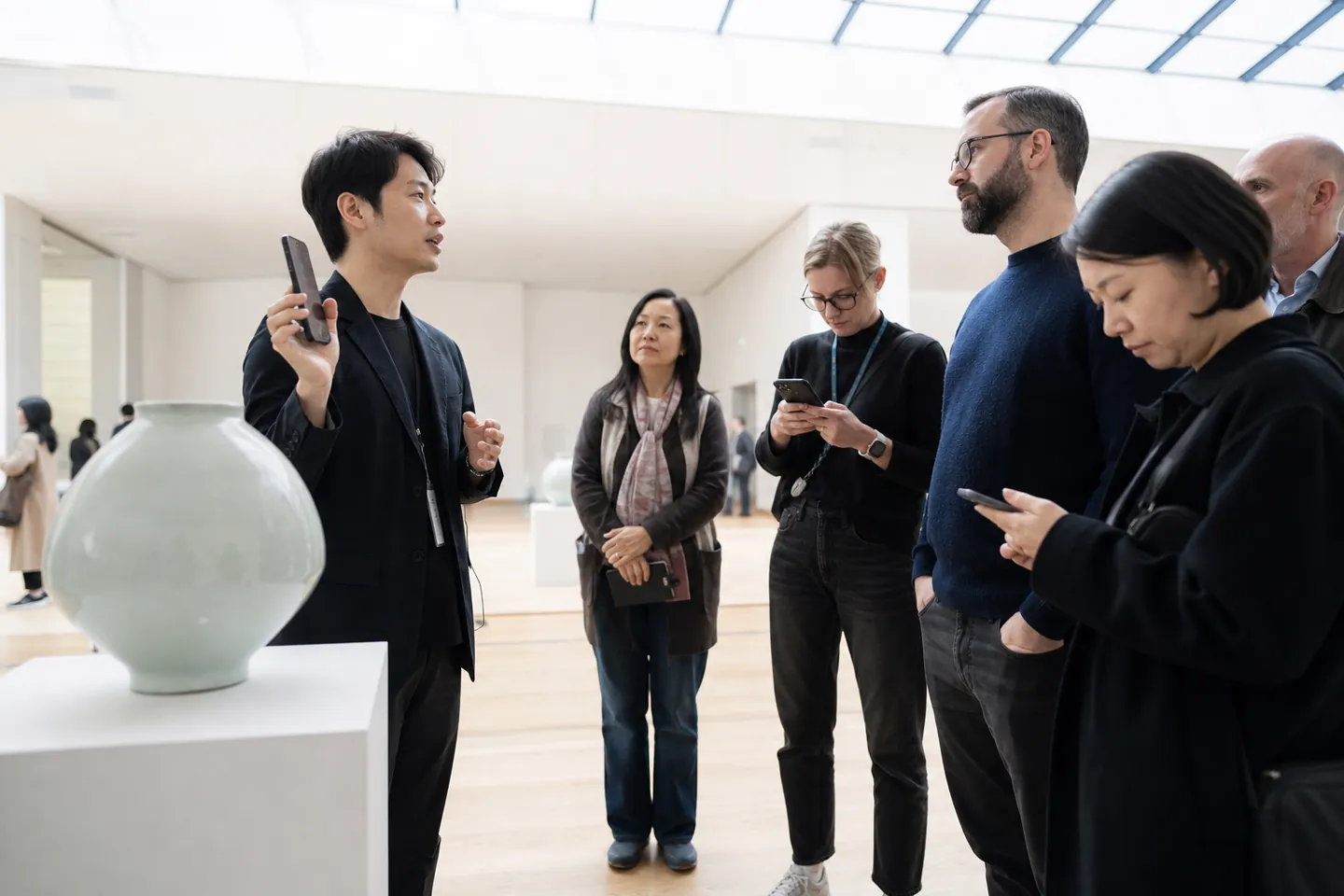
The photo is a generated image illustrating the setting.Microphone

International students can read at their own pace

  • Open the QR on the first slide or syllabus. No app or sign-in is needed.

  • Choose a language the lecturer enabled and compare terms with the original shown below the translation.

  • Change text size and scroll back to a line missed while taking notes.

  • Between classes, the same QR shows a notice that it will open again next time.
The lecturer works in another tab

  • Before class, choose the languages students need and select the laptop or room microphone.

  • For an online lecture, select the lecture’s Chrome tab audio on a computer.

  • Start, pause and stop for the lesson, its break and the end of class.

  • Check outgoing lines and fix textbook terms. Glossary changes apply from the next sentence.

  • Download transcripts per language after class and restart the same lecture next week.

One QR in the course material

It is the same QR every week, so it goes into the syllabus or the first slide once.

Subject terms, as written

An academic glossary comes built in; add your course terms in advance.

A transcript in each language

After class the transcript can be downloaded and used for review.

From the syllabus to review after class

  1. The day before: add textbook terms

    Add terms and author names for this week’s chapter. Keep the QR created at the start of the semester in the syllabus and first slide.

  2. Introduce the QR on the first slide

    Show students the QR and enable the languages needed. Keep slides on the presentation screen and connect the microphone in another tab to start.

  3. Check the wording of new concepts

    Briefly check the outgoing captions in the other tab during class. Fix a subject term and the change applies from the next sentence.

  4. Use the transcript for review

    Stop the lecture, download transcripts per language and check the terms. Reopen the saved lecture next class to reuse its QR and glossary.

baroliveScreen preview
Presentation screen · slides
Example captions

The midterm is on the 21st, in this room.

Original

중간고사는 21일, 이 강의실에서 봅니다.

First-slide QR → students’ phones

An illustration of the workflow available today. The live interface has a different layout.

Lecture/How it works

How to set it up

  1. 01

    Choose lecture and the languages

    Pick the languages and add your course terms.

  2. 02

    Connect a microphone

    Choose the laptop or room microphone and press Start. Online lectures use the tab's audio.

  3. 03

    Show students the QR

    Put the QR on the first slide or in the handout.

Match caption terms to the textbook

Add this week’s concepts, textbook and author names to the academic starter glossary. These example English terms for an economics class help students compare captions with the textbook.

기회비용
opportunity cost
한계효용
marginal utility
가격탄력성
price elasticity
수요곡선
demand curve
맨큐의 경제학
Principles of Economics
그레고리 맨큐
N. Gregory Mankiw

Phones during class, a transcript for review afterwards

Students’ phones
Students read captions on their phones while the room’s presentation screen stays on the slides.
Transcripts downloaded by the lecturer
After class, the lecturer can download transcripts per language, check them and use them for review.

What it costs

A 2-hour lecture

₩60,000

Based on the ₩300,000 10-hour pack at ₩30,000/h, excluding VAT. Time is charged by the minute and is valid for 6 months. The first 10-minute rehearsal is free.

See pricing

FAQ

Questions

Does it cover my slideshow?

barolive runs in another tab. Your presentation stays as it is and students read on their own phones.

Does it work for online lectures?

It takes the audio of the Chrome tab the lecture is in. This needs Chrome or Edge on a computer.

Can it serve as accessibility captioning?

These machine-translated captions help international students follow a lecture. Names and subject terms can be wrong, so they are not offered as accessibility-grade captions.

Do I need a new QR every week of the semester?

Restart the saved lecture to use the same link, QR and glossary. The QR in the syllabus does not need changing each week.

What if a textbook term comes out wrong during class?

Add or fix the term in the running tab. It applies from the next sentence. Since this is machine translation, check important concepts against the textbook.

Can I give students something to review?

After stopping, the lecturer can download and check the caption transcripts per language, then provide them for review. Lecture audio is not kept.

Where you use it

It works in other places too

Start with the next place that needs translation

Set it up now; you only pay when you actually use it.

Try 10 minutes free