Scan a QR, skip the app
Listeners choose a language and read on their own phones.
LIVE TRANSLATION, EVERYWHERE
From YouTube streams and Zoom meetings to the church microphone, audio becomes captions
Thank you for joining us today.
오늘 함께해 주셔서 감사합니다.오늘은 소망에 대해 말씀드립니다.
Today, we speak about hope.이제 다음 그림을 살펴보겠습니다.
现在我们来看下一张图。では、次の議題に移ります。
그럼 다음 안건으로 넘어가겠습니다.Let me walk you through how this works.
어떻게 작동하는지 설명드리겠습니다.서로를 향한 작은 배려가 시작입니다.
It begins with a small act of care for one another.질문은 수업이 끝난 뒤에 받겠습니다.
课程结束后将接受提问。資料は会議の後に共有します。
자료는 회의 후에 공유하겠습니다. LIVE
LIVEThank you for joining us today.
오늘 함께해 주셔서 감사합니다.Listeners choose a language and read on their own phones.
Send one language to YouTube CC or add a caption overlay in OBS.
Add the words you use so they can guide the translation.
BEFORE · AFTER
A different language can still be a shared conversation
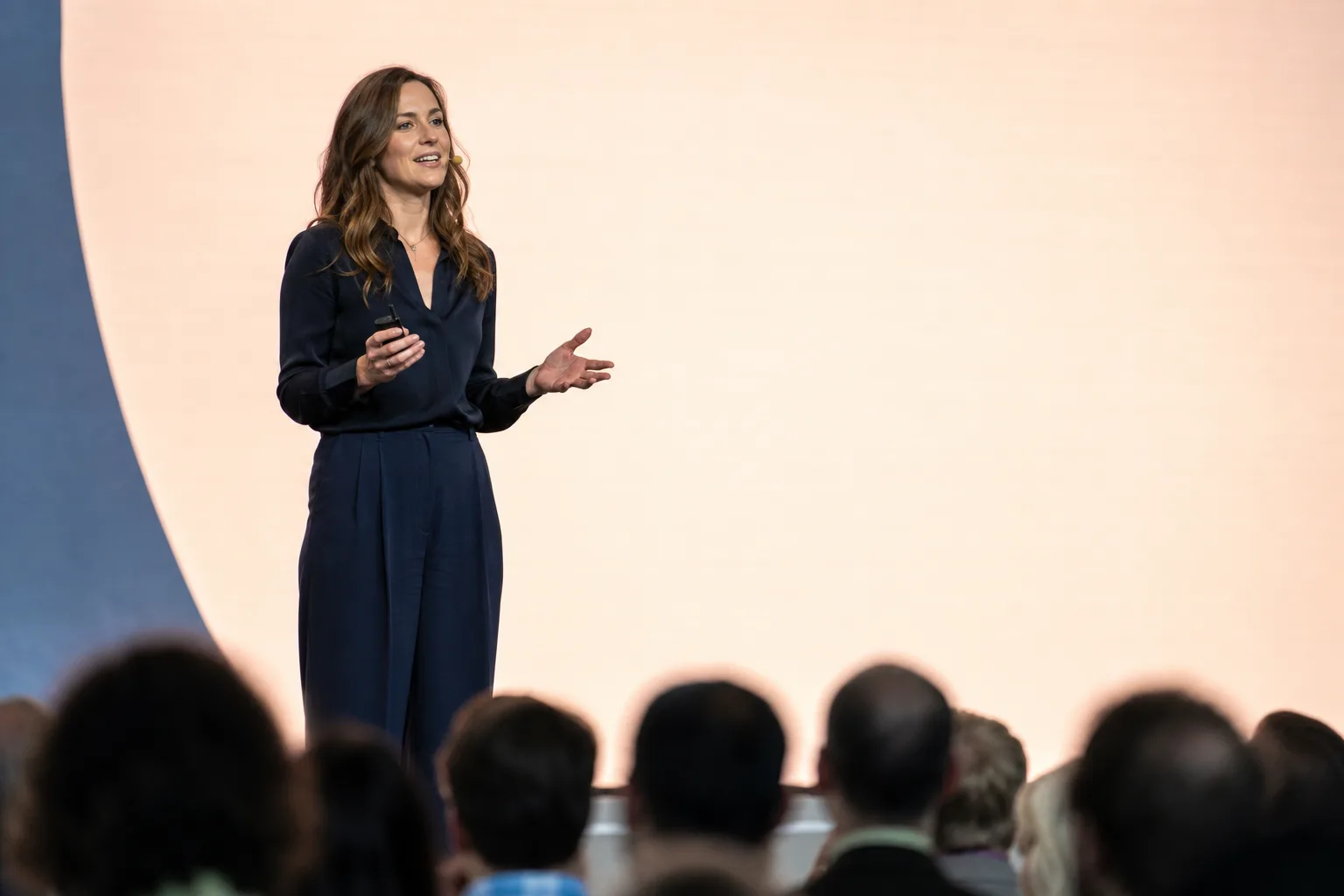
좋은 아이디어는 함께 나눌 때 시작됩니다.
BEFORE · DURING · AFTER
Keep these terms for next time
01Before
Add names and the words you use before you start. Your saved terms are there for next time.
오늘은 소망에 대해 말씀드립니다.
Today, we speak about hope.02During
Connect a microphone or computer tab audio. As you speak, captions appear on your stream and listeners’ phones.
A transcript for each language
03After
Download a transcript for each language. Catch up on what you missed and keep the lines you need.
FOR LISTENERS
Put the QR on a handout or a screen. Each listener’s phone becomes their caption screen.
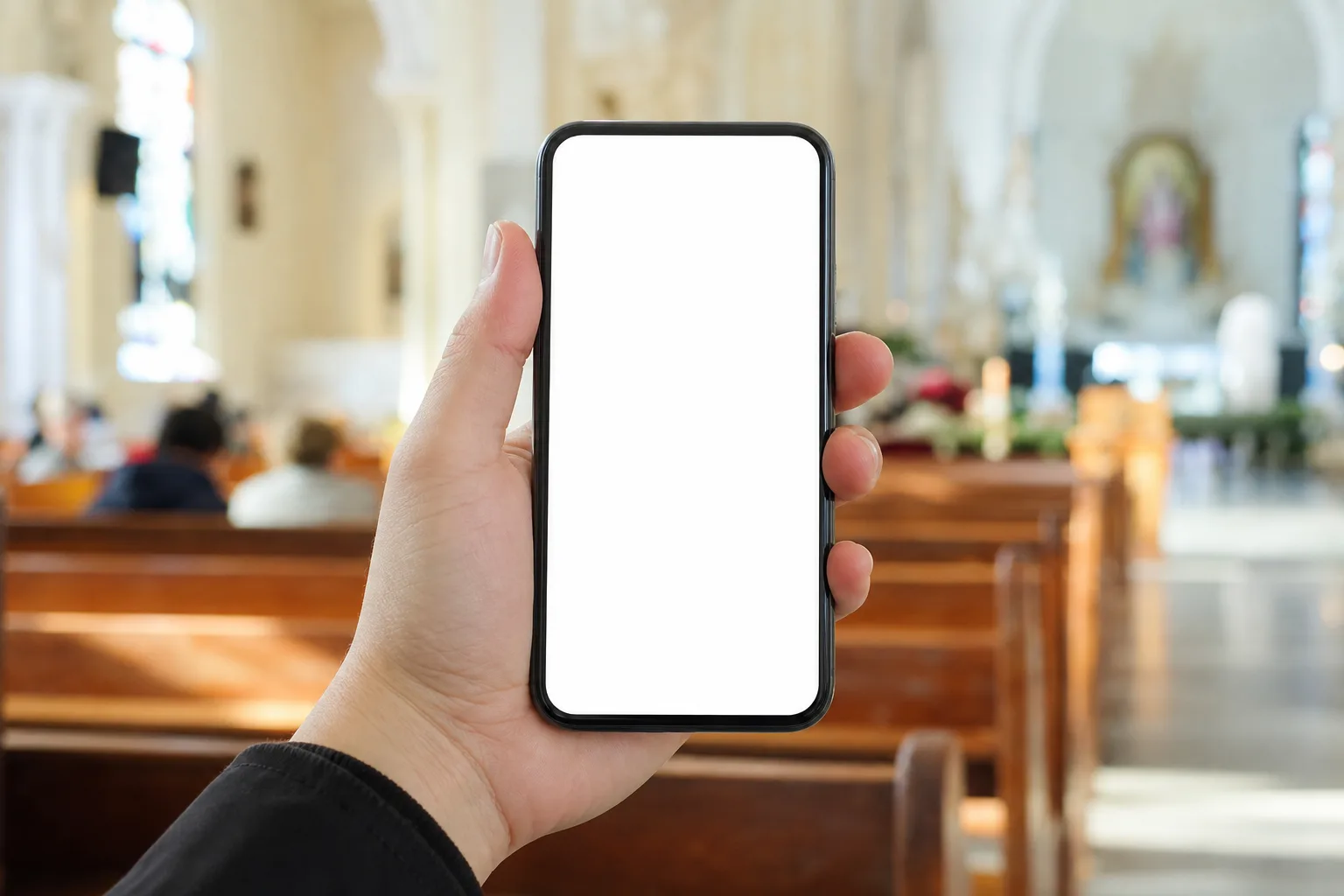
Welcome, everyone. Let us open today's reading together.
This morning's passage is about hope that does not disappoint.
After the service, please join us for lunch on the first floor.
WATCH
Play a foreign live stream on your computer and share its tab audio. Keep barolive beside the video to read in your language.
 LIVE
LIVEA live conversation
Thank you for joining us today.
오늘 함께해 주셔서 감사합니다.Let me walk you through how this works.
어떻게 작동하는지 설명드리겠습니다.You can follow along in your own language.
각자의 언어로 내용을 따라오시면 됩니다.WHEREVER YOU ARE
FAQ
In YouTube Studio → Stream settings → Closed captions, choose 'POST captions to URL' and copy the captions ingestion URL. Paste it into the console and captions are sent automatically while you stream. YouTube accepts a single caption track, so other languages go out via the viewer link or the overlay.
Open the web version of the meeting in Chrome or Edge on a computer, then share that tab's audio. Inviting a bot into the meeting is not supported.
Machine translation can get names and technical terms wrong. Add them to your glossary in advance or correct them while live to guide the translation.
Caption timing depends on speech, your internet connection and stream settings. When using YouTube CC, also check your stream delay settings.
Start in Chrome or Edge on a computer. There is nothing to install. Listeners open the QR or link on their phones with no app or sign-in.
Machine translation can get numbers and names wrong. Check important details against the original. You can register names and terms and correct them while live.
Captions only. There is no recording or voice read-out yet, and you can download a transcript per language afterwards.
Connect your audio and try the first 10 minutes free
Try 10 minutes free